
Nearly every restaurant POS sold today is "cloud-based." That means your menu, sales and reports live on a remote server instead of a box under the counter. The upside is that a dead station doesn't take your data with it, and you can check last night's sales on your phone.
The downside is that the system depends on an internet connection. In much of Alaska, that connection is the weakest part of the setup. So before you compare features, find out what each system does when the connection drops.
What should keep working offline
Ask the vendor to show you each of these, not just describe them:
- Card payments. Can the pin pad still authorize cards with no internet? Every pin pad we install keeps authorizing offline and settles the transactions when the connection comes back.
- Orders to the kitchen. The station, handhelds and kitchen printer or display talk over your local network. If your internet goes down but the local network stays up, orders should keep moving.
- Syncing afterward. When the connection comes back, sales should upload without you re-entering anything.
What usually doesn't work offline are online orders and delivery apps, since those come in over the internet. Plan for them to pause.
The network matters more than the station
Most restaurant setups get whatever router the internet provider handed over. Nobody watches it until the night it stops working.
Every install we do includes a UniFi gateway, plus a Wi-Fi access point on the handheld and bar kits. We monitor them remotely from Anchorage. If the connection gets unstable, we often see it before you notice. When something does go wrong, we can usually tell you whether the problem is your internet provider, the gateway or a device.
What a working system includes
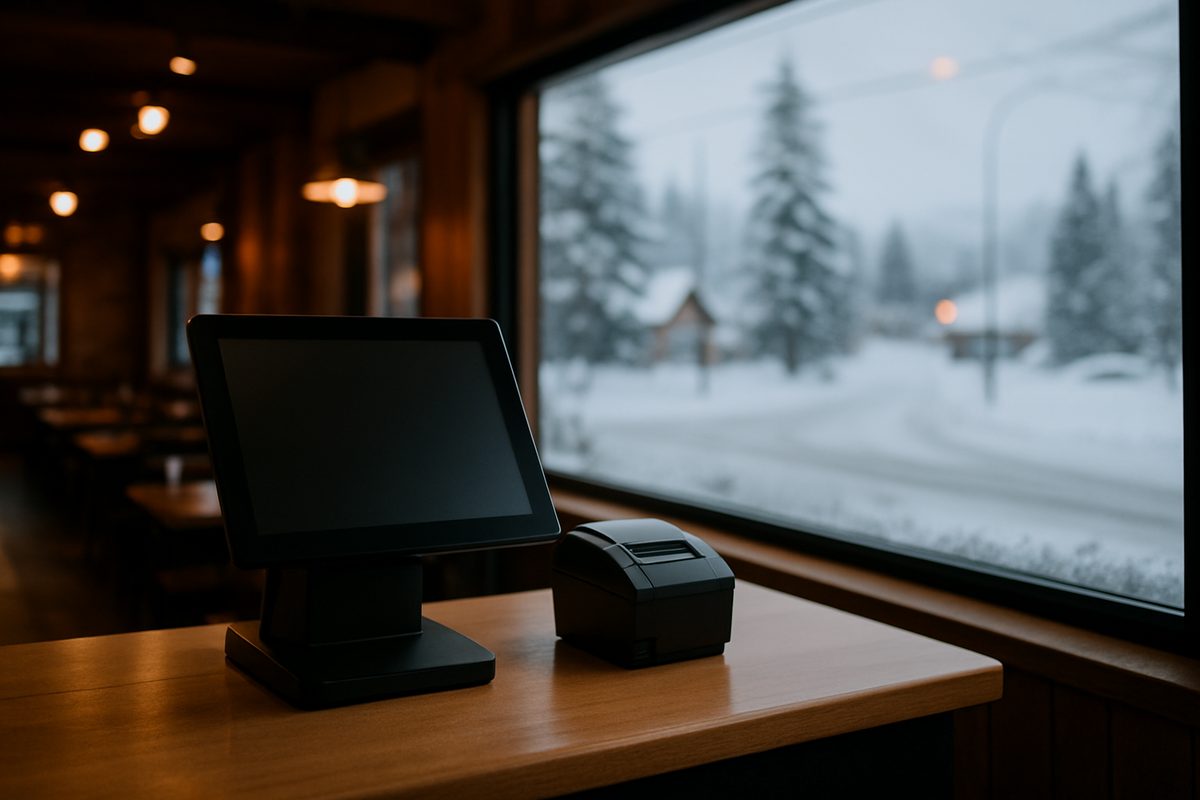
On the counter you'll have a touchscreen station, a pin pad facing the guest, a receipt printer and a cash drawer. In the back you'll have a kitchen printer or a kitchen display. On the floor you can add handhelds that take the order and the card at the table.
Our software runs Quantic in three tiers:
- Essentials, $99/mo: menu, modifiers, tabs, tips, split checks, reports
- Core, $199/mo: adds online ordering, QR menus, DoorDash Drive dispatch and a kitchen display license
- Growth, $299/mo: adds loyalty, gift cards, reservations and text marketing
Every tier is priced per location, month to month, and includes remote support and network monitoring.
Hardware and processing
The Countertop kit is $1,800, the Handheld kit is $1,000 and the Bar & Nightlife kit is $2,600. Extra stations are $900 and extra handhelds are $600. Install and staff training are included, and there's no early-termination fee.
Processing is interchange plus 0.30% and 10¢, plus about $34 a month in processor pass-through fees at cost. You can also choose a cash-discount program: card-paying guests see a 3.99% fee, hardware is half price and software is free for the first year.
The pricing page lists everything. If your internet is unreliable and you want to talk through a setup that can handle it, call (907) 290-8555.
Want a straight answer for your counter?
Prices are on the page, and a person in Anchorage answers the phone. (907) 290-8555.
See pricing Request a call