
Kitchen display systems come from three kinds of companies:
- POS platforms with their own KDS. Toast, Square, Clover and Quantic (the platform we install) all sell a kitchen display that runs inside their own system. The screen, the order routing and the support all come from one company.
- Standalone KDS software. You run it on commercial screens or tablets and connect it to a POS you already have. This is flexible, but you end up with two vendors. When a ticket doesn't show up, each one tends to blame the other.
- Hardware makers. These companies build ruggedized screens and bump bars. You still need software from one of the first two.
For an independent restaurant, the first option is usually the simplest choice. The rest of this post explains why, and what to check before you buy.
What a KDS does
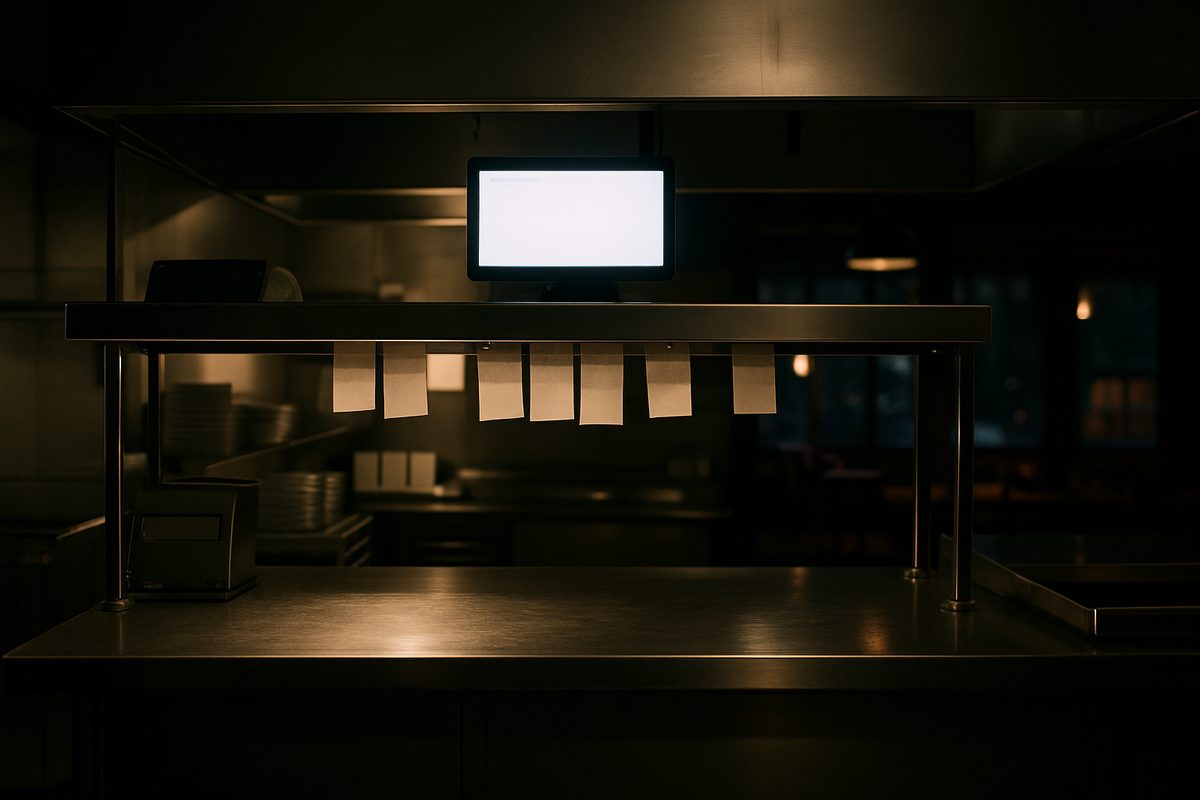
A KDS replaces the ticket printer. An order rung in at the counter, on a handheld or through online ordering shows up on the right screen as a timed ticket. Cold apps go to prep, burgers go to the grill, and expo sees the whole table. The cook bumps each item when it's done. If a ticket sits too long, it changes color.
The part owners usually end up valuing most is the ticket-time report. It shows which station slows things down on a Saturday and how your average compares with a Tuesday. You can't get that from a printer roll.
What to check before you buy
- Brightness. A screen that looks great in a showroom can wash out under hood lights and steam. Ask to see one in a working kitchen.
- The enclosure. Grease and heat kill consumer tablets. Ask what the screen is rated for.
- Integration. If the KDS doesn't talk to your POS natively, you've bought an expensive monitor.
- The network. A KDS gets its orders over your local network. If the network is unstable, orders get lost between stations. Ask who watches the network. On a lot of setups, nobody does.
Quantic's KDS through Alyeska POS
The kitchen display is built into Quantic, not added from another vendor. Hardware is sold outright:
| Screen | Price |
|---|---|
| 10.1" kitchen display | $900 |
| 15.6" kitchen display | $1,000 |
| 21.5" wall-mounted Pro Panel | $1,450 |
| Bump bar (bump tickets without touching the screen) | $270 |
The KDS license comes with the Core tier ($199 a month per location) and above. It isn't included in Essentials. Software is month to month with no early-termination fee, and install and training are included.
We set up a managed UniFi network on every install and monitor it from Anchorage, because when a KDS fails it's usually the network, not the screen. If a screen does fail and you have hardware care ($15 a month for the whole kit), we put a replacement on a same-day flight before you send the broken one back.
In Alaska
A screen that fails in Seattle gets replaced the next day. In Nome or Bethel it can take a week if it ships from the Lower 48. That's why we keep spares in Anchorage.
The full hardware list is on the pricing page. If you want help deciding how many screens your line needs, call (907) 290-8555.
Want a straight answer for your counter?
Prices are on the page, and a person in Anchorage answers the phone. (907) 290-8555.
See pricing Request a call